Grab the adserver code by logining into the admin side, Pages, (Main Home) should look similar to this: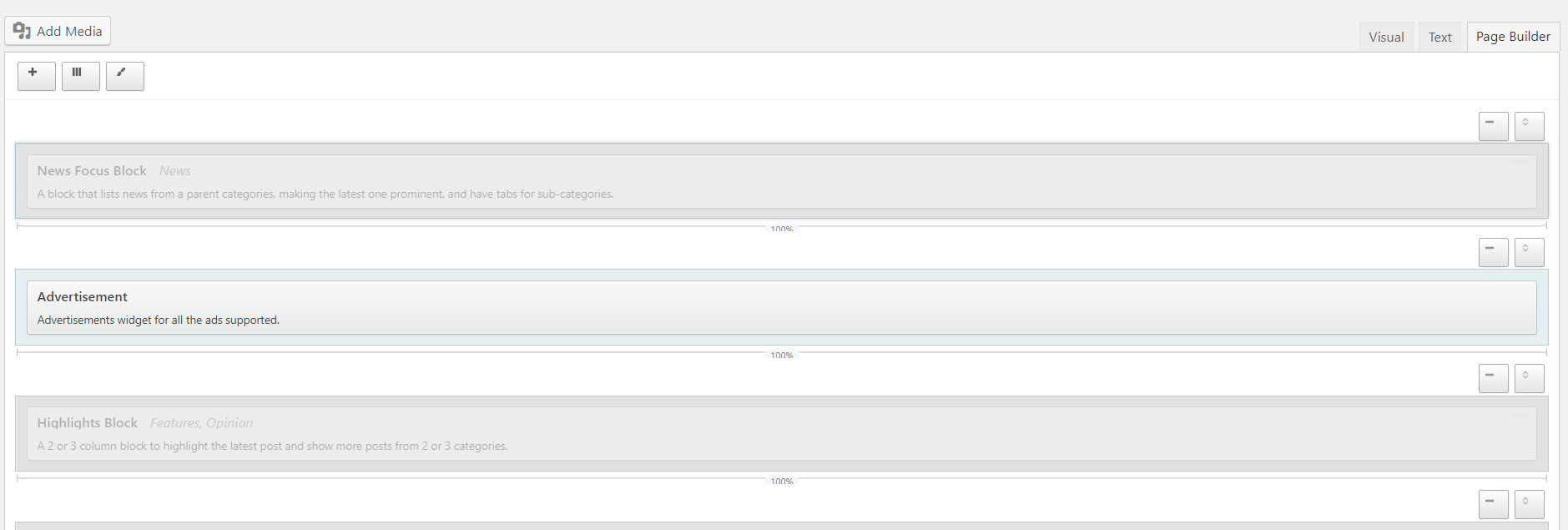
Find the expo banner in one of the Advertisement blocks - if you hover over the block you'll get a menu appear on the right hand side with 'edit, duplicate, delete' - hit edit and it'll show you the adserver code: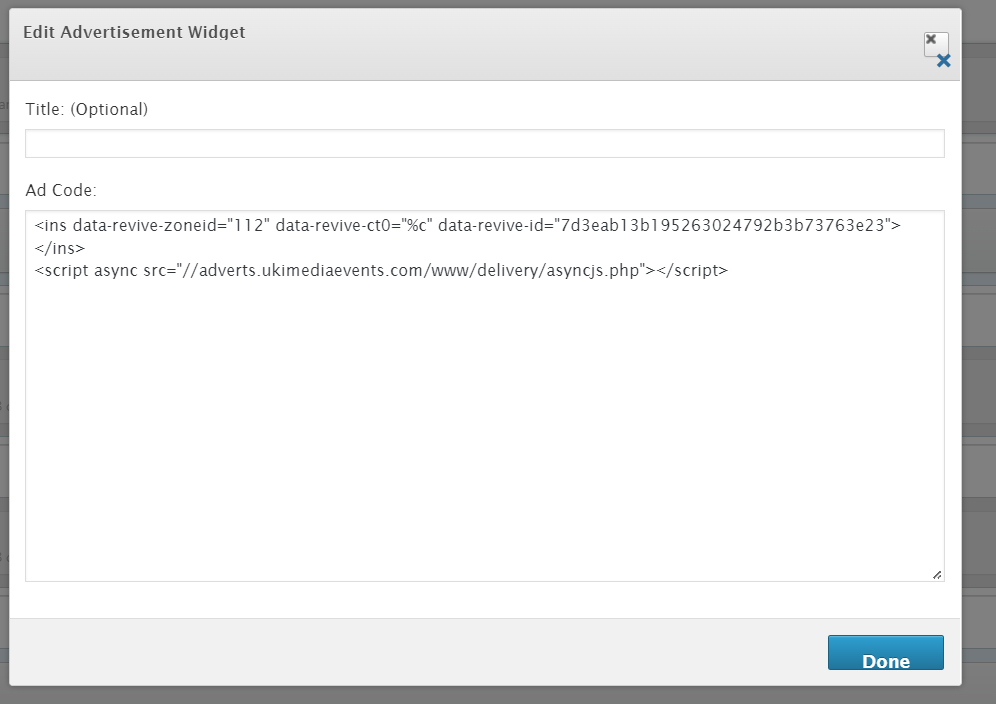
Onto the Adserver Plesk:
Find the domain we need to add it onto, then go into file manager and head here:

Edit this file:
related-posts.php
Copy and paste adserver code above header text as shown below

Was this article helpful?
That’s Great!
Thank you for your feedback
Sorry! We couldn't be helpful
Thank you for your feedback
Feedback sent
We appreciate your effort and will try to fix the article